How AI Personal Assistant Productivity Is Transforming the Way We Work

Remember when “personal assistant” meant someone who answered your phone and managed your schedule with a paper planner? Those days are long gone. Today, ai personal assistant productivity is revolutionizing how professionals tackle their daily workload, turning chaotic to-do lists into streamlined workflows with just a few voice commands or clicks. Whether you’re drowning in emails, juggling multiple meetings, or simply trying to remember what you promised to do yesterday, AI-powered assistants are stepping in to save the day—and reclaim hours of your precious time.
What Are AI Personal Assistants and How Do They Boost Productivity
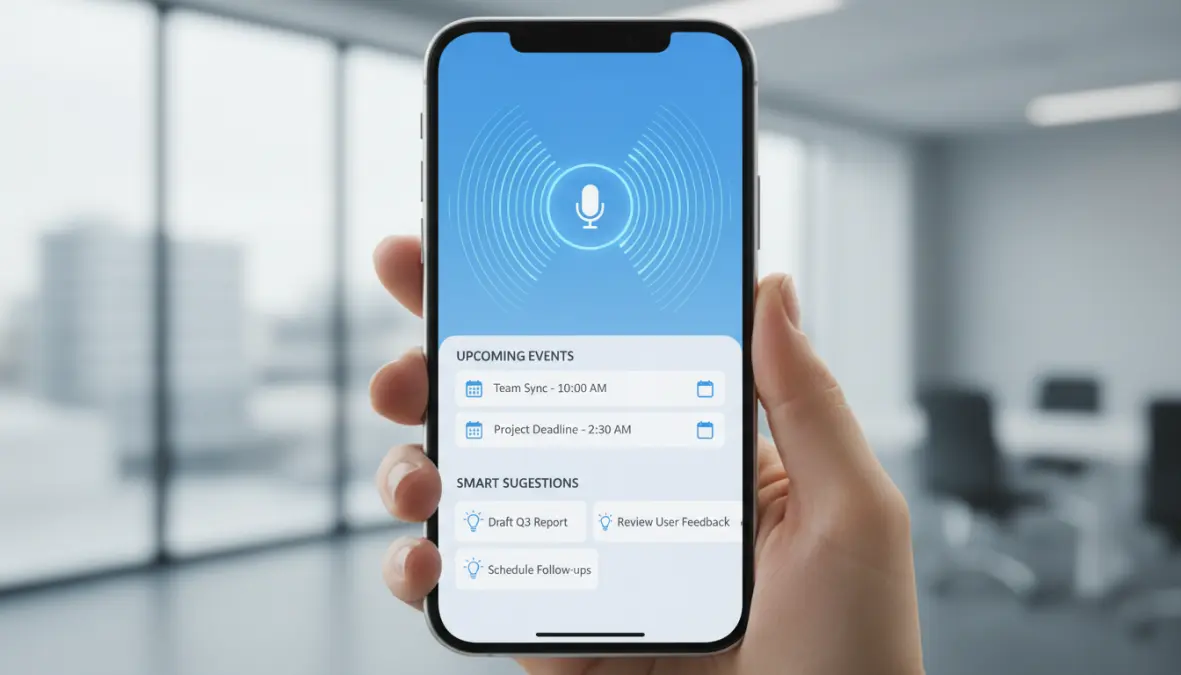
At their core, digital personal assistants are software applications powered by artificial intelligence that help you manage tasks, organize information, and automate repetitive activities. Unlike traditional virtual assistants (actual humans you hire remotely), these intelligent assistant apps leverage cutting-edge technologies like natural language processing (NLP) and machine learning algorithms to understand your requests, learn from your behavior, and predict what you need before you even ask.
Think of familiar names like Siri, Alexa, and Google Assistant—these are the household versions most people know. But the landscape has exploded beyond voice-activated speakers. Today’s ai personal assistant productivity ecosystem includes sophisticated tools like ChatGPT for content generation and problem-solving, Notion AI for knowledge management, and specialized platforms like Motion or Reclaim.ai that focus exclusively on intelligent scheduling and task prioritization.
The magic happens through a combination of technologies: voice recognition technology converts your spoken words into commands, NLP interprets the meaning and context, and machine learning continuously refines the assistant’s understanding of your preferences and work patterns. The result? An assistant that gets smarter the more you use it, delivering genuinely personalized productivity support rather than generic automation.
Key Ways AI Assistant Tools Are Changing Daily Workflows
The real transformation isn’t just about having a fancy app—it’s about fundamentally rethinking how work gets done. AI assistant tools are moving professionals from reactive firefighting to proactive workflow optimization, and the practical applications are impressive.
Intelligent Task Management and Scheduling
Gone are the days of manually color-coding your calendar or spending twenty minutes trying to find a meeting slot that works for five people. Modern smart assistant technology handles automated task management with remarkable sophistication. Tools like Motion analyze your task list, understand deadlines and priorities, and automatically schedule blocks of time in your calendar to actually get the work done—not just attend meetings about the work.
Smart scheduling goes even deeper with apps like Reclaim.ai, which integrates with your Google Calendar to protect focus time, automatically reschedule tasks when meetings run over, and even coordinate across team calendars to find optimal collaboration windows. These systems use machine learning algorithms to understand patterns: if you’re most productive in the morning, they’ll prioritize deep work then and push admin tasks to afternoon slots.
The benefits of using AI personal assistants for calendar management are tangible—users report saving 3-5 hours weekly just on scheduling logistics alone. Plus, intelligent reminder systems don’t just ping you at arbitrary times; they learn when you actually respond and adjust accordingly.
Email and Communication Automation
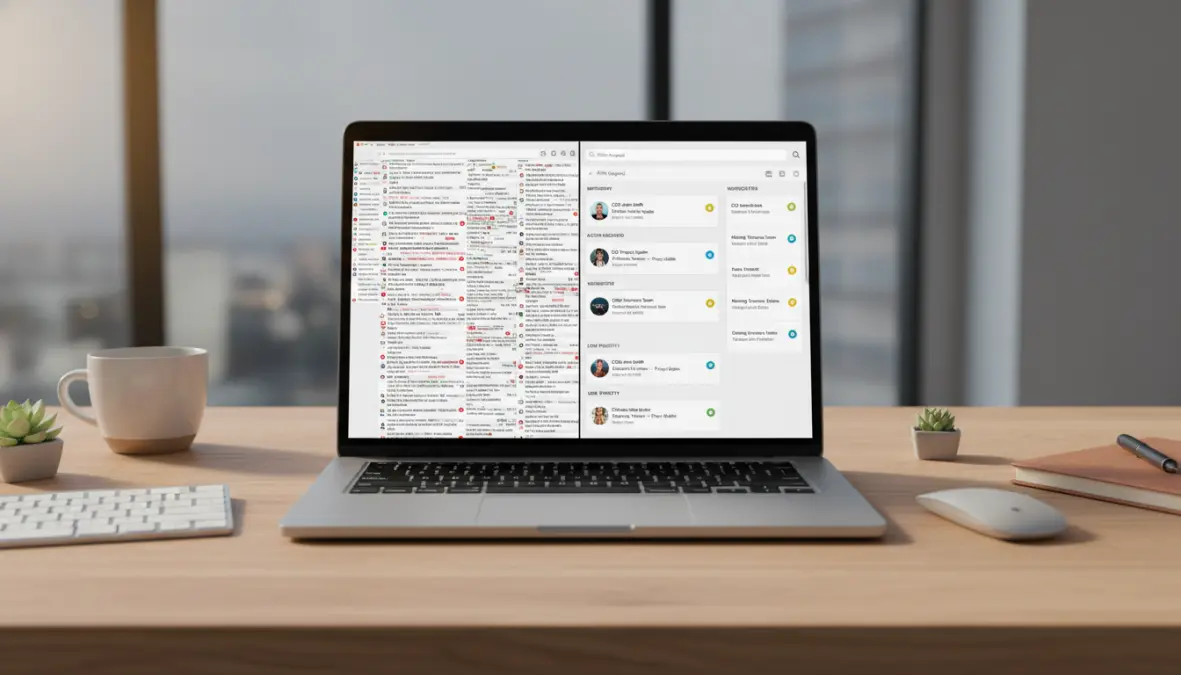
Email remains one of the biggest productivity drains for knowledge workers, but AI productivity software is changing that calculus. Platforms like Superhuman AI can draft contextually appropriate responses to common emails, categorize messages by priority, and even summarize long email threads into digestible bullet points—all powered by sophisticated natural language processing.
Meeting productivity gets a massive boost too. Tools like Otter.ai transcribe conversations in real-time, generate action items automatically, and integrate with platforms like Zoom or Microsoft Teams. Notion AI can take those transcripts and transform them into structured meeting notes, complete with assigned tasks and follow-up timelines. This means virtual assistant productivity extends beyond just you—it helps entire teams stay aligned without the traditional overhead of manual note-taking and follow-up coordination.
The impact on time management solutions is substantial: professionals using these tools report spending 40-50% less time on email and meeting administration, freeing up cognitive bandwidth for actual strategic work.
Choosing the Right AI Productivity Software for Your Needs
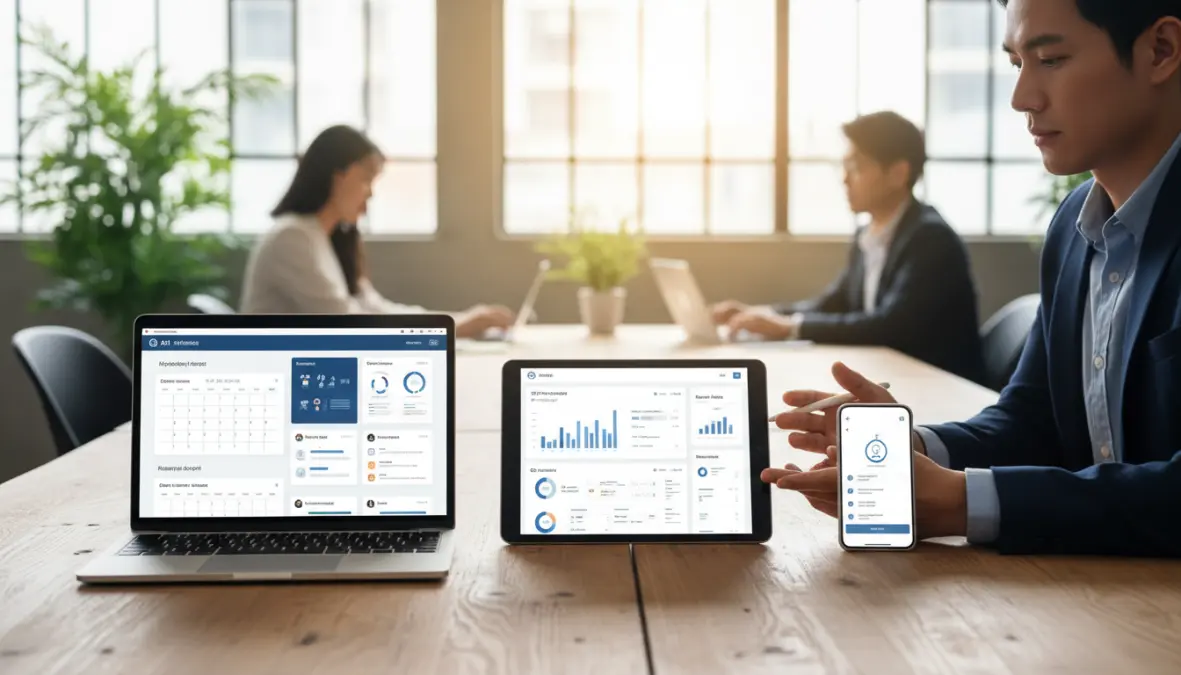
With dozens of intelligent assistant apps flooding the market, selecting the right one requires thoughtful evaluation. The best AI personal assistants for daily tasks aren’t necessarily the most feature-packed—they’re the ones that integrate seamlessly into your existing workflow without creating new friction.
Start by assessing calendar integration and ecosystem compatibility. If you live in Google Workspace, look for tools with deep Gmail and Google Calendar integration. Microsoft 365 users should prioritize assistants that work natively with Outlook and Teams. The learning curve matters too—some AI assistants require significant setup and training, while others work reasonably well out of the box.
Privacy and data security deserve serious consideration when comparing AI personal assistant platforms. Enterprise solutions typically offer better compliance guarantees and data encryption, which matters enormously if you’re handling sensitive client information. For freelancers and solo professionals, consumer-grade tools often provide adequate protection at lower price points—many quality AI powered virtual assistants for business start around $10-30 monthly.
Professional context shapes the ideal choice significantly. Freelancers might prioritize tools with strong task automation and client communication features, while managers benefit most from assistants that excel at team coordination and meeting management. AI assistant features for time management vary widely across platforms, so identify your biggest pain points first, then match tools to those specific needs.
It’s worth noting current limitations too. Today’s AI assistants still struggle with highly nuanced judgment calls, complex multi-step reasoning, and understanding implicit context that humans pick up effortlessly. They’re incredible at structured tasks and pattern recognition but won’t replace human decision-making anytime soon. The near future promises even better contextual understanding and cross-platform integration, making these tools increasingly indispensable.
FAQ
What’s the difference between an AI assistant and a human virtual assistant?
AI assistants are software tools powered by algorithms that handle repetitive, structured tasks instantly and at scale. Human virtual assistants bring judgment, creativity, and nuanced understanding to complex situations. The best approach often combines both: AI handles routine automation while humans tackle strategic work requiring emotional intelligence or complex decision-making.
How much do AI productivity tools typically cost?
Pricing varies dramatically. Basic features in tools like Google Assistant or Siri are free. Specialized AI productivity software ranges from $10-50 monthly for individual subscriptions, while enterprise solutions can run $20-100+ per user monthly depending on capabilities and integration depth. Many offer free tiers to test functionality before committing.
Are my data and conversations secure with these assistants?
Security depends on the provider. Reputable digital personal assistant platforms use encryption and comply with standards like GDPR and SOC 2. Always review privacy policies, understand what data gets stored versus processed temporarily, and opt for enterprise versions with stronger guarantees when handling sensitive business information.
How long does it take to see productivity improvements?
Most users notice immediate benefits for simple tasks like setting reminders or searching information. Deeper virtual assistant productivity gains—like optimized scheduling or workflow automation—typically emerge after 2-4 weeks as the AI learns your patterns and you adjust your work habits to leverage the tools effectively.
What’s the actual ROI in time saved?
Studies and user reports suggest professionals save 5-10 hours weekly on average when actively using AI assistants for task management, email, and scheduling. For someone billing $50-100 hourly, that’s $250-1000 in reclaimed productive time each week—making even premium tools a no-brainer investment.
The transformation in ai personal assistant productivity isn’t coming—it’s already here, quietly reshaping how millions of professionals structure their workdays. The question isn’t whether to adopt these tools, but which ones align with your specific needs and how quickly you can integrate them into your routine. Start small, experiment with one or two key pain points, and watch as those reclaimed hours add up to something truly meaningful: time for the work that actually matters.